Why SSL certificates fail even when auto-renew is on
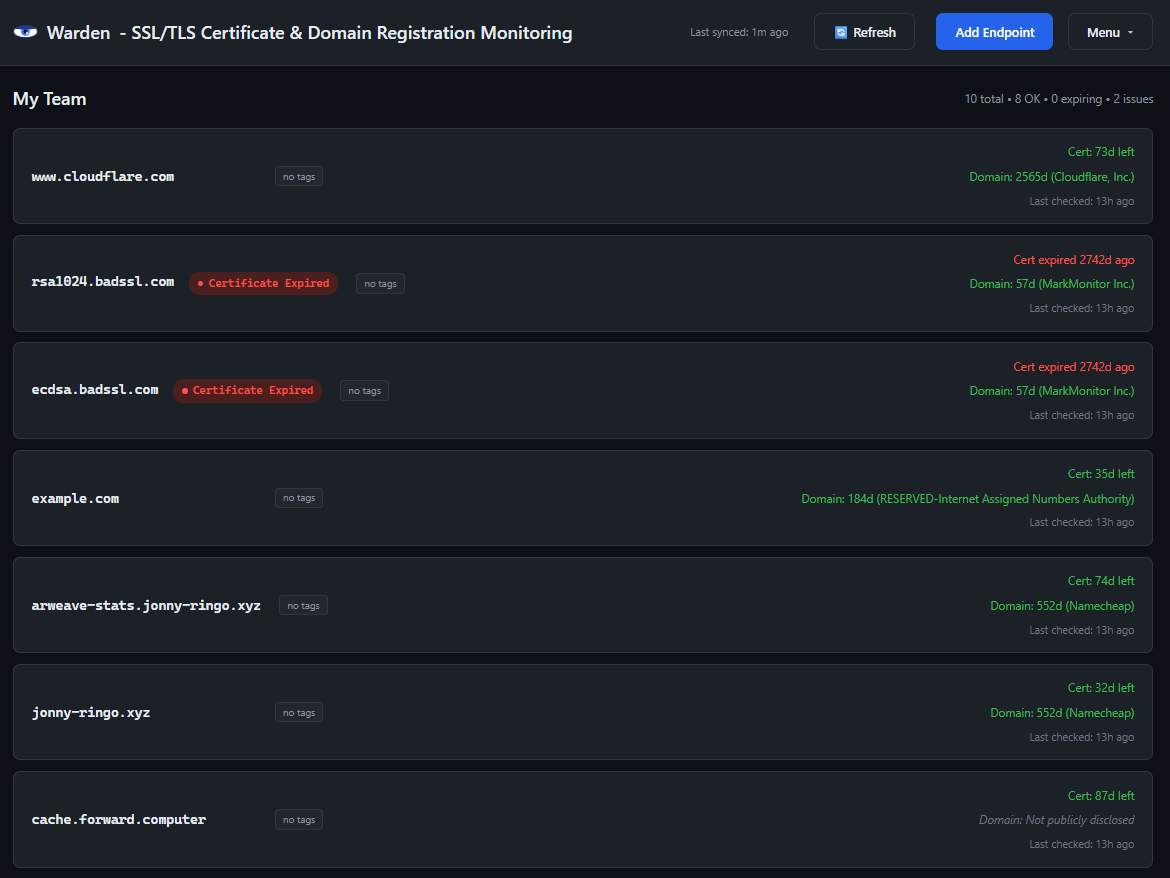
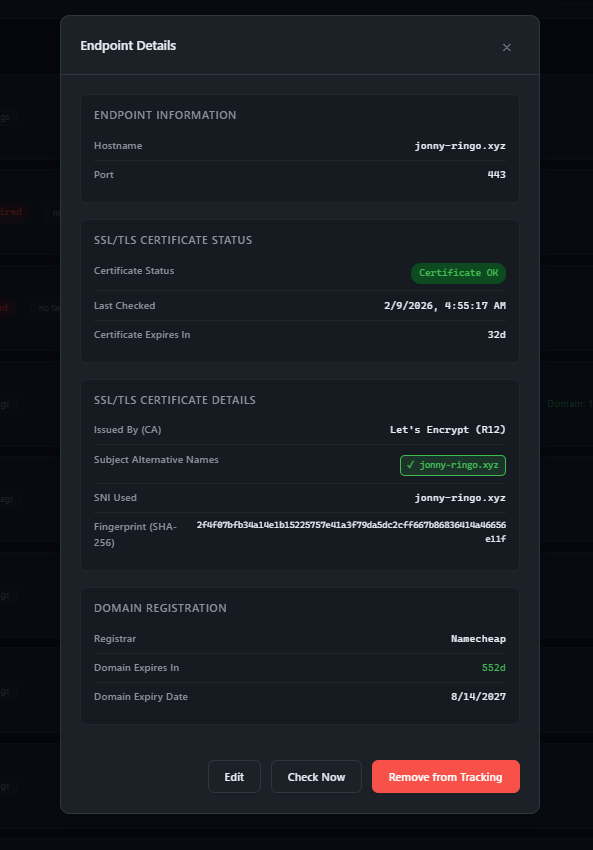
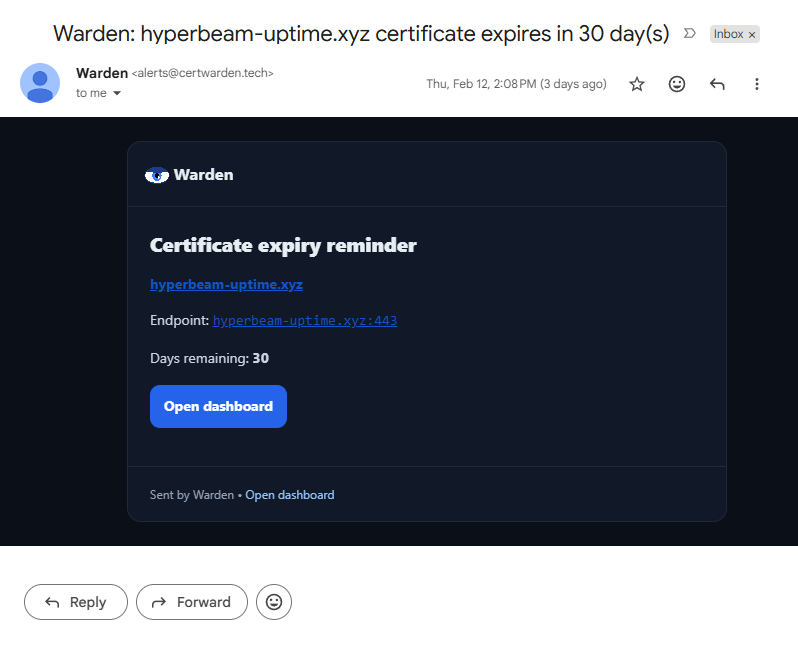
Auto-renew usually means a new certificate was issued — not that it’s installed and serving in production. Common failures include: DNS/HTTP validation timeouts after a DNS or provider change, load balancers and CDNs still serving the old cert, deployment steps failing, or permission/path issues that prevent renewed files from being read. Warden checks the certificate your users actually receive.
Why the wrong certificate breaks APIs but not browsers
Browsers show a warning and humans sometimes click through (or they test on a different hostname), but API clients and mobile apps fail hard on hostname and chain validation errors. Example: you deploy *.app.example.com, but your API is api.example.com (not covered by that wildcard). Warden validates hostname matching the way strict clients do.
Certificate expired but site still loads in browser — why?
If a certificate is expired, new HTTPS requests should fail — but you can still see something if the browser is showing a cached page, a service worker offline copy, or previously loaded assets. Meanwhile APIs and fresh loads break. Warden tests the live TLS handshake to the endpoint, not cached content.
 Warden